New AI feature: Connect Raynet
to your favorite AI tool using MCP

Kelly Carrow
9/2/2026
News
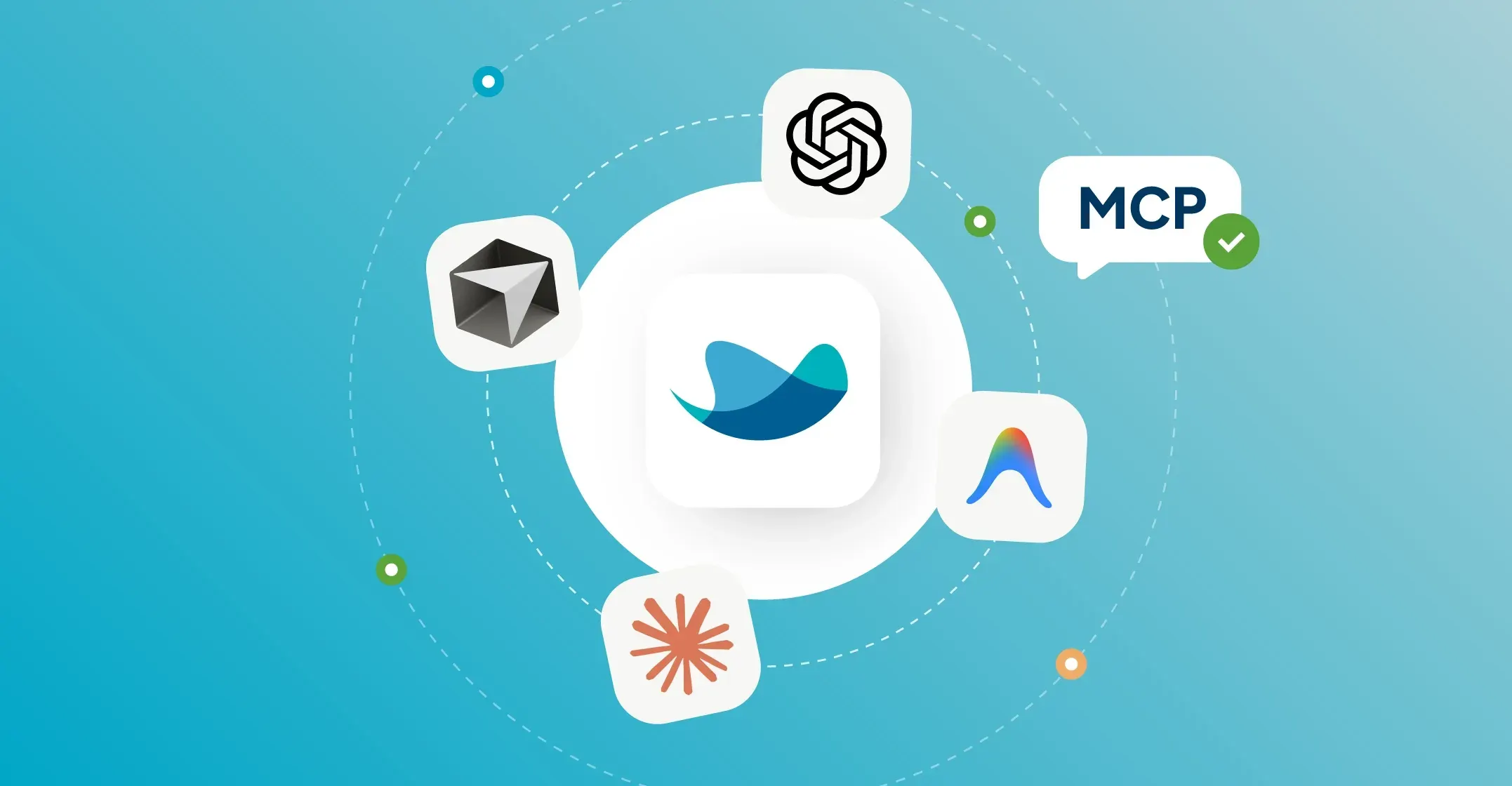
Do you often keep ChatGPT or Claude open on one monitor and Raynet on the other? What if you connected these two worlds? The new MCP integration gives your favorite AI a direct line into your sales data.
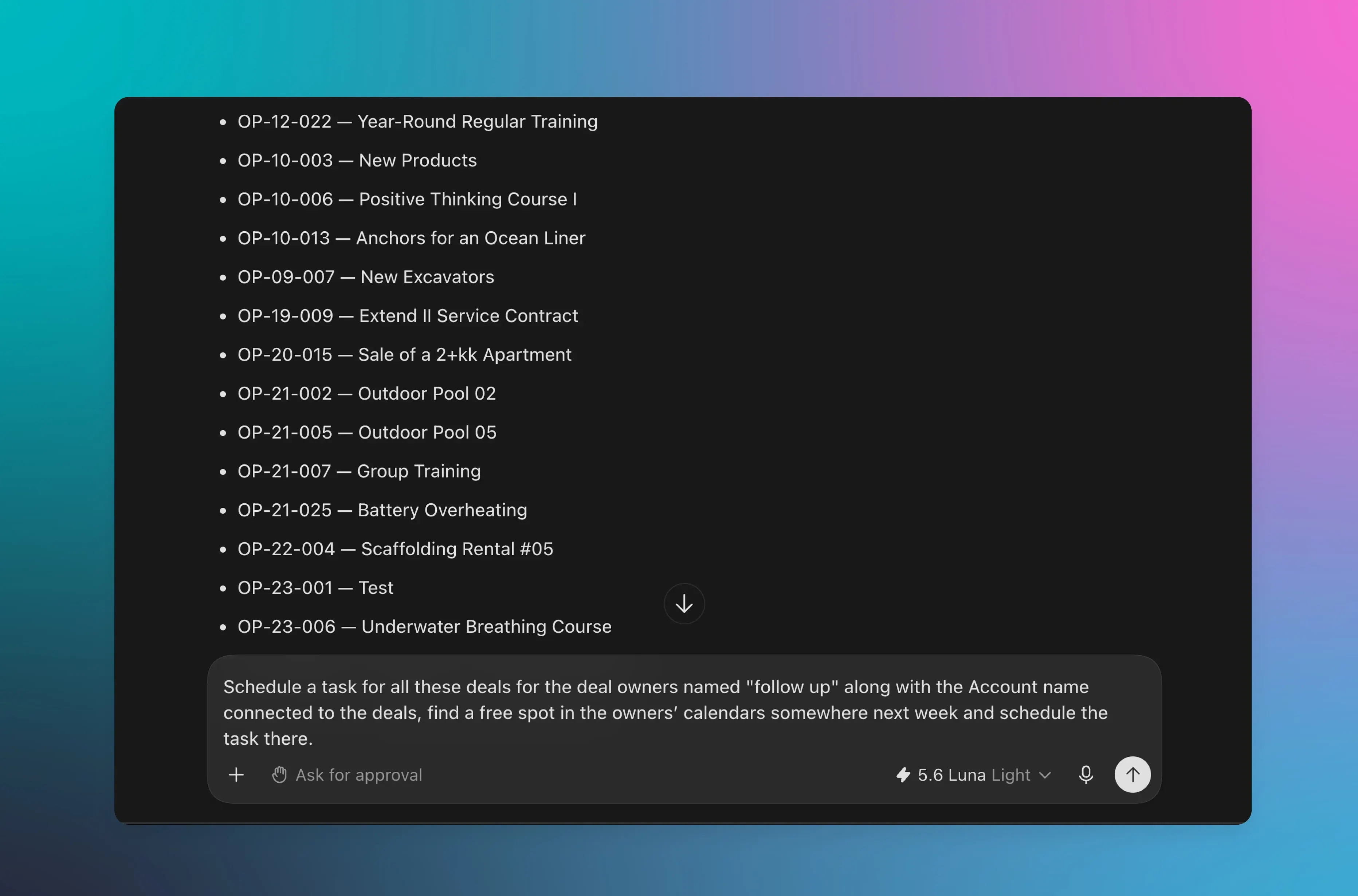
In practice, this means you can simply type in plain language into the chat: "Schedule a phone call with Peter from Company XY for tomorrow at 10 AM," and the AI will create the task in your CRM and link it to the right account. Let's take a look at what this new feature can do and how to set it up.
What is MCP (Model Context Protocol) in Raynet?
MCP in Raynet isn't really an app or a new Raynet feature. It's a way to let external AI tools that support MCP into your CRM. Simply put, you take your favorite AI chat and manage your Raynet data directly from it. Here are a few tools we've personally tested:
- Claude code
- ChatGPT on desktop
- Cursor
- Antigravity from Google
💡 Important
Before you get started, check if your AI tool supports MCP in the version you're using. Some applications only make it available in higher plans.
Once connected, you control the CRM directly from your AI chat. Just write a prompt, and the assistant will dig through your data or create a new record without you ever needing to open Raynet.
🌊 How does MCP differ from the built-in Raynet AI?
Two different helpers, same mission: Freeing your hands from admin work.
- Raynet AI inside the CRM: Helps while you work directly in the app. Summarizes meetings or drafts email replies with a single click.
- MCP: Connects Raynet with your favorite AI chat, allowing you to control the CRM through natural conversation or even talk to Raynet out loud.
Why every salesperson and manager will love this AI integration
If your AI chat window is already open from morning till the end of the workday, MCP is made just for you. 🚀
- No context switching: No more hunting for data across tabs and apps. Ask everything right where you already work.
- An active helper for your daily routine: The AI assistant doesn't just read data. It can update or add records on its own.
- A perfect memory always at hand: Whenever you need to pull that one crucial note from the CRM but have no clue where it is, the AI will find it in seconds.
What can your AI do in Raynet?
Once your AI and your CRM shake hands, the assistant gets an overview of your database and can jump straight into tasks like:
Search, read, create, and edit:
- Accounts and Contacts: Create a new account, look up the boss's phone number, or edit specific fields.
- Leads and Deals: Find active deals, update their stage, or convert a promising lead.
- Quotes, Orders, and Projects: Draft a new quote, check order statuses, or set up an entire project.
- Activities and Calendar: Prepare post-meeting follow-ups, reschedule a call, or review communication history to stay in the loop.
Read-only:
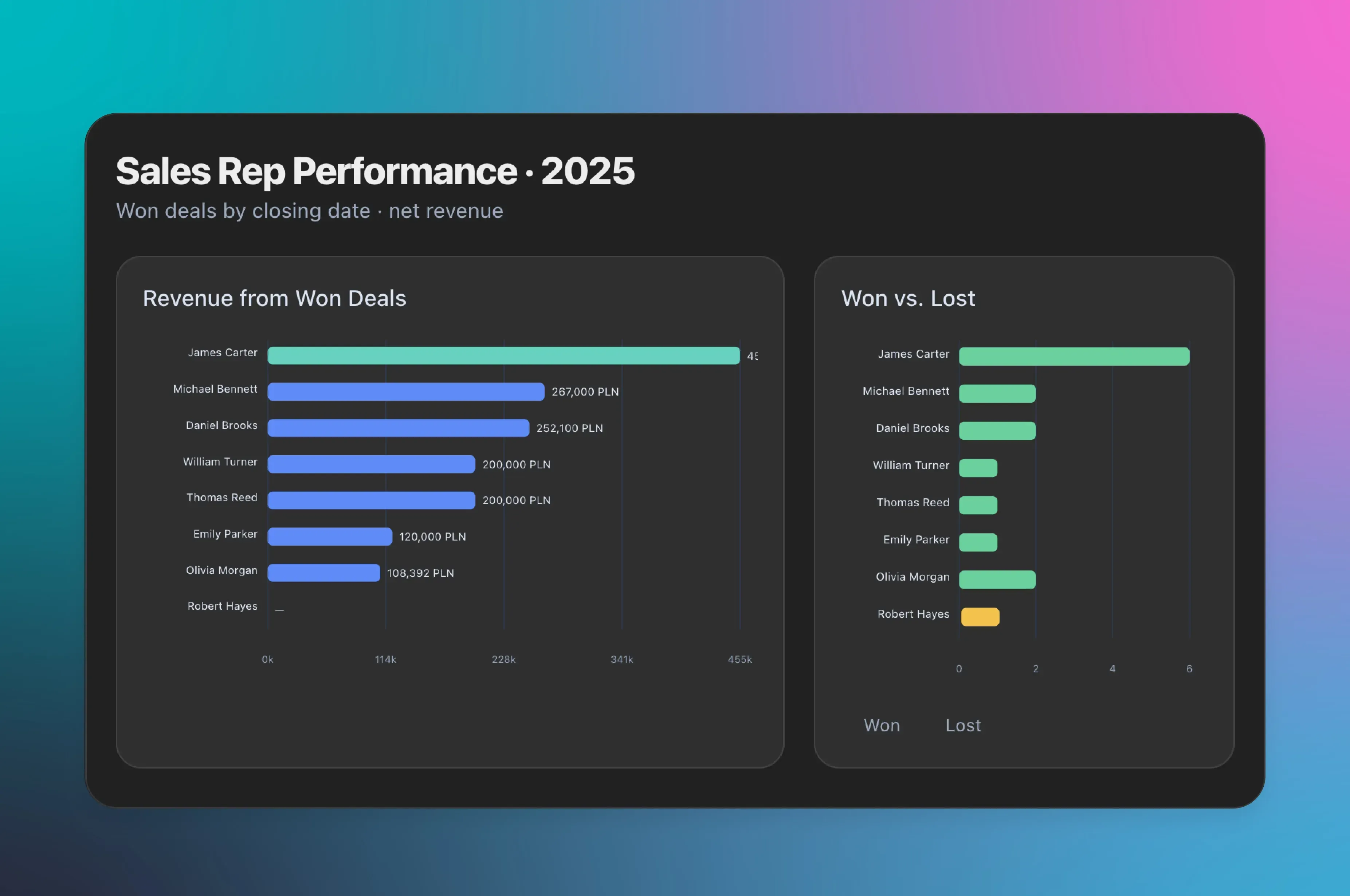
- Reports and Analytics: Pull profitability figures or deal success rates, formatted just like you know them from Raynet.
🌊 Raynet tip
Deletion and Bulk edits
Don't worry about your CRM data. AI won't delete your data. For security reasons, it doesn't even know how. Before any edit (even bulk edits), it usually shows you a clear plan in the chat. It only executes the action once you give it the green light. To be extra safe, you can give the AI a permanent instruction to ask for your confirmation before making any changes in your CRM.
Permanent Memory
Give your AI a simple prompt directly in the chat: "Remember that whenever I ask about quotes, accounts, or the calendar, you should automatically use the Raynet MCP server."
The AI will save it to memory immediately, and next time it will know exactly what to do without you having to remind it.
One message Instead of 10 Clicks. See how It works in practice
What does working with your CRM look like when AI handles all the clicking? Instead of routine admin work, you type (or speak via microphone) with your AI chat just like you would with a colleague in the office:
Do we have any historical deals with River Solutions Ltd.? (Read)
Create a new lead for River Solutions Ltd. called 'CRM Inquiry' and schedule a call with their CEO, Greg Reed, for Sept 21 at 10:00 AM. (Create)
✦ Want to see more examples?
The MCP handles routine questions easily, but it can also pull off much more complex tricks. We've put together a dedicated article packed with real-world business inspiration: 22 practical scenarios for using MCP in Raynet.
How to set up MCP
At first, setting this up might look like a job for IT, but with a little practice, anyone can do it. Here's a quick guide:
- Get your unique key: Your Raynet administrator needs to generate a special access code under Settings (For Developers -> MCP Keys). A separate key must be generated for each user and device.
- Choose permissions: The key can be set to either Read Only or Read and Write.
- Save your key securely: The generated code is displayed on your screen only once. If you lose it, you'll need to create a new one.
- Paste it into your AI: Add the code and our server address app.raynetcrm.com/api/mcp to your favorite tool's configuration.
- And that's it! You've unlocked new superpowers in your chat with direct insight into your Raynet database.
Check out our video tutorial on how to connect Raynet with the desktop version of ChatGPT
✦ Detailed connection guide
You can find the complete guide on how to connect Raynet with selected AI tools in our knowledge base.
For developers, AI enthusiasts, and fans of detailed guides, we've also prepared comprehensive MCP documentation.
Are you ready? 🤖
Want to see how a virtual assistant like this can transform your administrative workload? Generate a key, check out the guide, and let us know how the integration works for you. And if you run into any hiccups, reach out to us at support@raynetcrm.com, we're happy to help.
Frequently Asked Questions About MCP
What we handle: MCP fully respects the permissions set up in Raynet. The AI can only access what you have access to yourself. We at Raynet cannot see the content of your chat queries either.
What you handle: The choice of the AI model itself. We recommend using paid corporate accounts (OpenAI, Anthropic, etc.) that guarantee data protection. If you connect a free or unverified AI model that misuses data or trains on it, Raynet cannot be held responsible for such data leaks or GDPR violations.
No, no rogue AI here. It usually works by having the AI assistant first describe in chat what data it intends to edit or create in Raynet, patiently waiting for your go-ahead.
Yes, it's still artificial intelligence. Even though it has access to your precise data, it can occasionally slip up or misinterpret things. Always double-check what the AI is about to do before confirming the action.
No, MCP integration is included directly in our Professional, Ultimate, and Enterprise plans. You only pay for the specific AI service you choose to use (e.g., ChatGPT Business or Claude Pro subscription).
Not at all. You only need administrator rights in your CRM (or ask a colleague who has them) to generate a key. Then, simply copy and paste it into the correct spot in your AI tool's settings using our guide.
Definitely not! The golden rule is: One key = one specific user (or one device). If you share a key with a colleague, it won't be possible to tell who performed a specific action in the CRM history. Worse yet, if that colleague leaves the company, you won't be able to revoke their access without cutting off the rest of the team. Always generate an individual key for everyone.
If you have access to several Raynet accounts at once, the AI can handle it. You just need to provide the right keys. Generate a unique MCP key in each Raynet account separately, then upload these keys to your AI tool's settings. Ideally, manage each account in separate chat threads.

When Kelly isn’t polishing the English version of the Raynet app, she’s probably timing exactly how long it takes to create a deal in a competitor's CRM. After 4 years at Raynet, she knows that organized sales data isn't science fiction, and thanks to detailed market testing, she knows all about the strengths and weaknesses of both local and global players.